Broken links quietly erode client trust, hurt SEO, and turn into the kind of issue you only discover when a client points it out. WP Umbrella scans every page of every site on your care plan automatically. No plugin to install, no extra subscription. It's part of your €1.99 per site, alongside updates, backups, monitoring, and reporting. One system, one bill, every link checked.
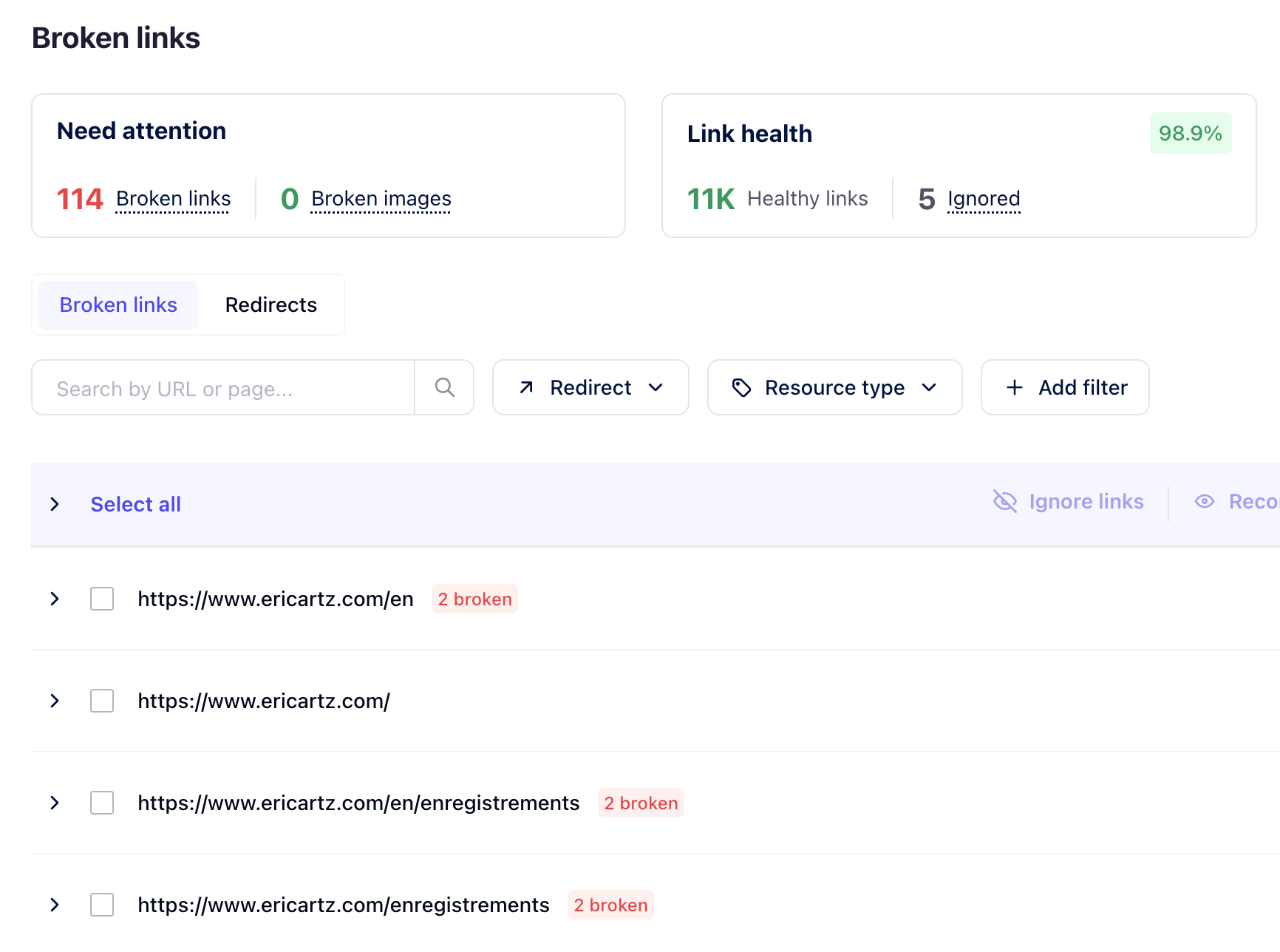
Most checkers stop at <a href>. WP Umbrella scans images too, because a missing product photo or hero banner is the failure your client notices before any 404 page.
WP Umbrella's broken link checker is a first-party scanner that crawls every page of every WordPress site on your care plan every 24 hours, flagging broken links and broken images by error type.
Each result is logged with:
Errors are classified the way you'd triage them: 404 Not Found, Timeout, Fetch failed. You know whether a link is genuinely dead, a server is slow, or a third-party host has gone quiet. No guessing. No opening the page in a browser to confirm.
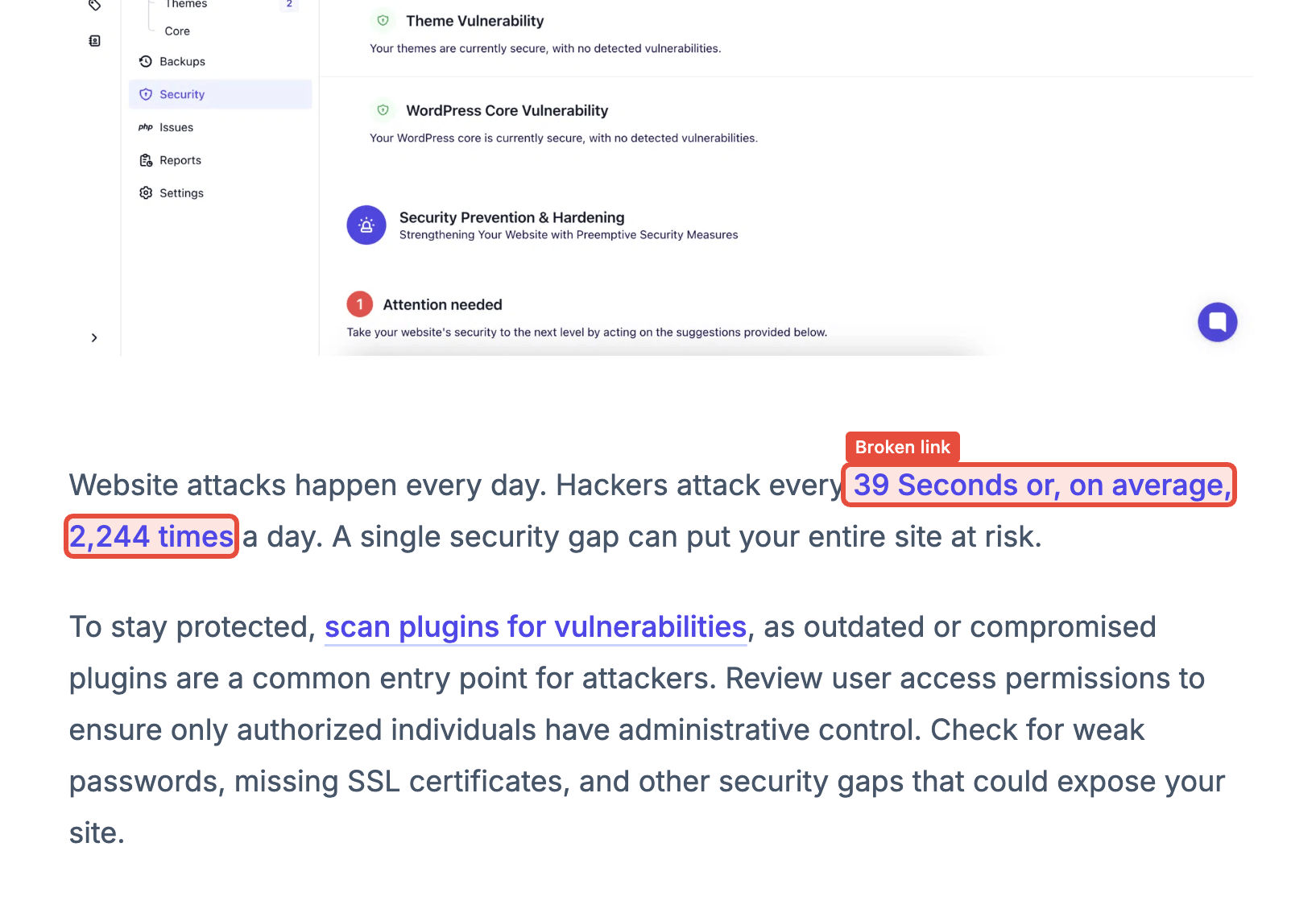
The scanner runs from WP Umbrella's own infrastructure. Nothing runs inside your sites, so it doesn't slow them down.
Nothing competes with the page builder, nothing gets disabled by a security plugin or a hosting cache rule. It works with every WordPress host, every page builder, and every theme. There's no extra plugin to maintain and no cron load added to the sites themselves.
Every site you manage is crawled on a 24-hour cycle. The next-scan timer is visible in your dashboard, so you always know when the data was last refreshed and when it will refresh again.
Turn on the broken link checker for one site or every site you manage in a single action.
Every 24 hours, WP Umbrella's first-party scanner crawls every page of every enabled site, with the next-scan timer visible in your dashboard.
Open the "most problematic pages first" view, filter by error type, ignore non-issues, or expand a result for full context.
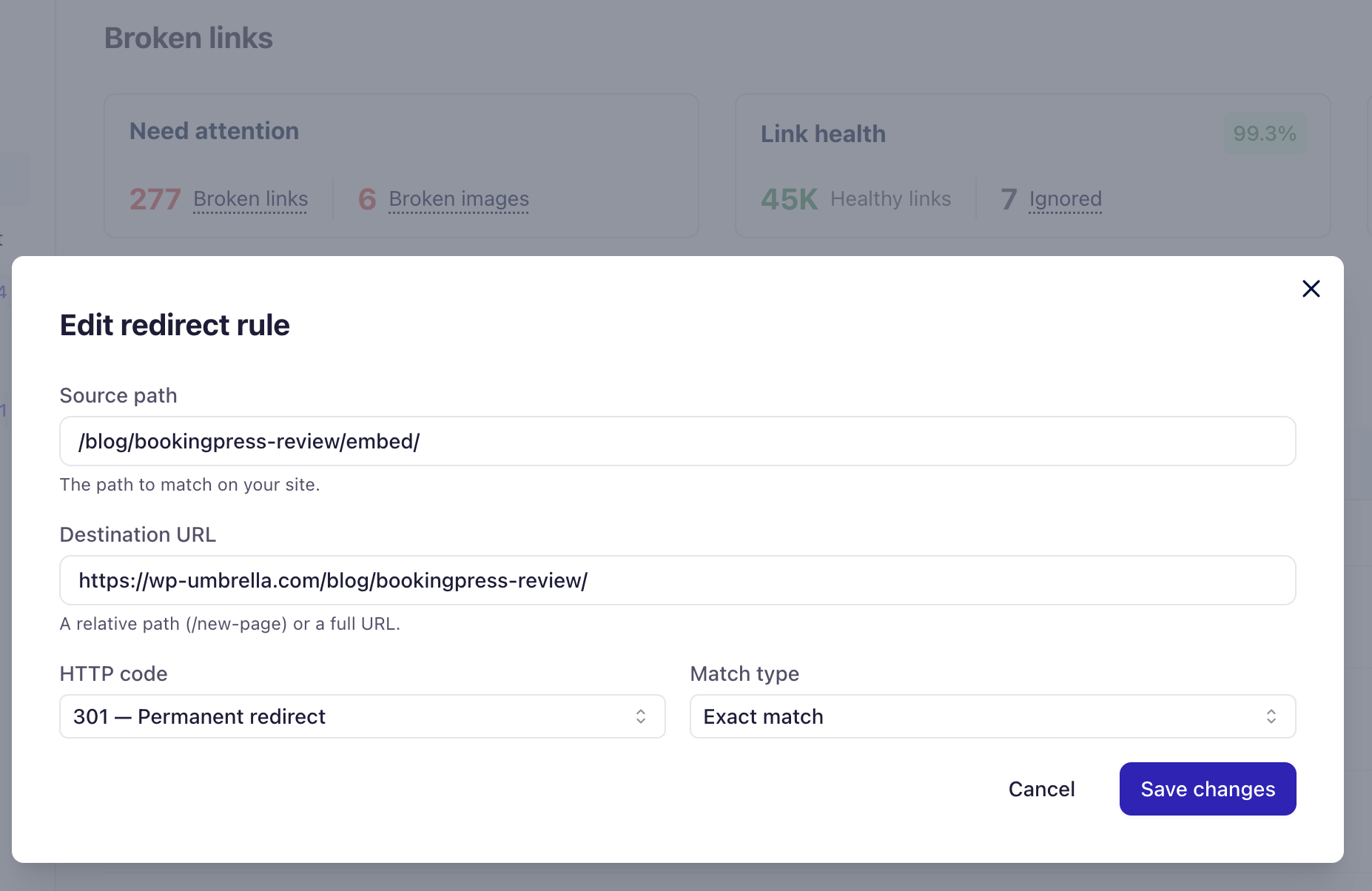
Build the redirect in the same screen, then Re-sync to push the rule natively into WordPress. The loop closes.
When a broken link surfaces, you don't leave the screen.
Create the redirect inline, set the destination, choose the response code, and test it before saving. Edit it later, delete it when the source page is gone, all from the same view.
The Re-sync action pushes the rule back into WordPress. The redirect lives natively in the site, served by the site, with no dependency on a third-party plugin staying installed or up to date.
Detect, redirect, Re-sync. The loop closes inside one platform, alongside your safe WordPress updates and the rest of your care-plan operations. You stop switching between the link checker, a redirects plugin, and the WordPress admin.
The results screen is sorted "most problematic pages first", so the page with twelve broken images outranks the page with one stale footer link. Filter by error type, search by URL, and the noise drops to whatever you're working on this hour.
Bulk actions move you through the queue at fleet speed:
Each site carries a health score: pages that Need Attention, Link Health %, and Coverage. The target is 95%, the same number that goes into your client reports at month-end. Reportable, defensible, consistent across every site in your portfolio.
Broken link checking works best when combined with:
Together, they turn link health into a defensible part of your care plan.
Used daily by agencies and freelancers keeping client sites healthy at scale
I used ManageWP for years, but I felt like it just got outdated. I had issues with their support which made me lose hope and that's when I moved to WP Umbrella.
 Jeffrey · Founder @ Lytbox
When a Cloudways customer asks us what the best WordPress management tool is, we are happy to recommend WP Umbrella.
 Muhammad · Product Marketing @ Digital Ocean
After trying virtually every management tool out there, I've fully moved my agency to WP Umbrella, and I'm convinced I won't need to look further.
 Kyle · Founder @ The Admin Bar
The broken link checker is included in your €1.99 per site. No per-link pricing, no scan-volume tier, no second plugin licence to renew. One platform covering link health, uptime, updates, and reporting across your entire portfolio of WordPress sites.
It's included in the €1.99 per site, with no link cap, no scan-volume tier, and no upsell. Every WP Umbrella feature on the platform (link checking, uptime monitoring, vulnerability scanning, client reports, the rest of it) ships at the same flat per-site price. The two genuine add-ons (Security virtual patching, Hourly Backups) are unrelated to link health.
It runs automatically every 24 hours across every enabled site, and the next-scan time is visible in your dashboard. The intent is set-it-and-forget-it: you spend time on the fixes, not on babysitting the scanner. If a site was just connected or a result feels stale, the daily cycle catches it on the next pass.
Yes. The scanner runs from WP Umbrella's own infrastructure and crawls the rendered HTML, so it sees the same pages your visitors see: Elementor, Divi, Bricks, Gutenberg, WooCommerce product pages, custom themes, all treated the same. Nothing runs inside your sites, so it doesn't slow them down, and there's no compatibility matrix to maintain and no risk of conflicts with your existing stack.
Plugin-based checkers run inside the WordPress instance they're scanning, which means each site carries its own cron load, its own database queries, and its own dashboard you have to open one site at a time, and slows your sites down in the process. WP Umbrella's checker runs outside your sites, so it never slows them down. You see every site you manage in one view, ranked worst pages first across the whole fleet, and act on results without logging into anything. The plugin scales to one site comfortably; the WP Umbrella scanner is built for the agency managing eighty.
No. The Re-sync action writes redirects natively into each WordPress site, so they live in the site, served by the site, with no runtime dependency on WP Umbrella staying connected. If you ever leave, the redirects you created stay live for your visitors without any further action.
Trusted by 80,000+ sites (as of September 2026)
WP Umbrella is designed to grow with your care business, from your first maintenance clients to a mature, multi-site operation.