Integrations exist so WP Umbrella can fit into your existing workflow. WP Umbrella is built for agencies who want maintenance data to remain accessible and reusable as their tools, hosting setups, and processes evolve.
WP Umbrella is compatible with every hosting provider and plugin editor. It even offers dedicated integrations with WooCommerce, Elementor, WP Rocket, and many other plugins.
WP Umbrella integrates with Google Analytics and Patchstack, so security and performance data appear alongside your maintenance actions.
WP Umbrella provides a public API that allows agencies to fetch maintenance data programmatically and reuse it in internal tools, dashboards, or workflows.
WP Umbrella sits inside your existing agency workflows.
You don't need to change how your sites are hosted or how your team works. WP Umbrella produces reliable maintenance data that you can pull into your own systems when needed. This makes the platform easy to adopt today, and safe to rely on long term.
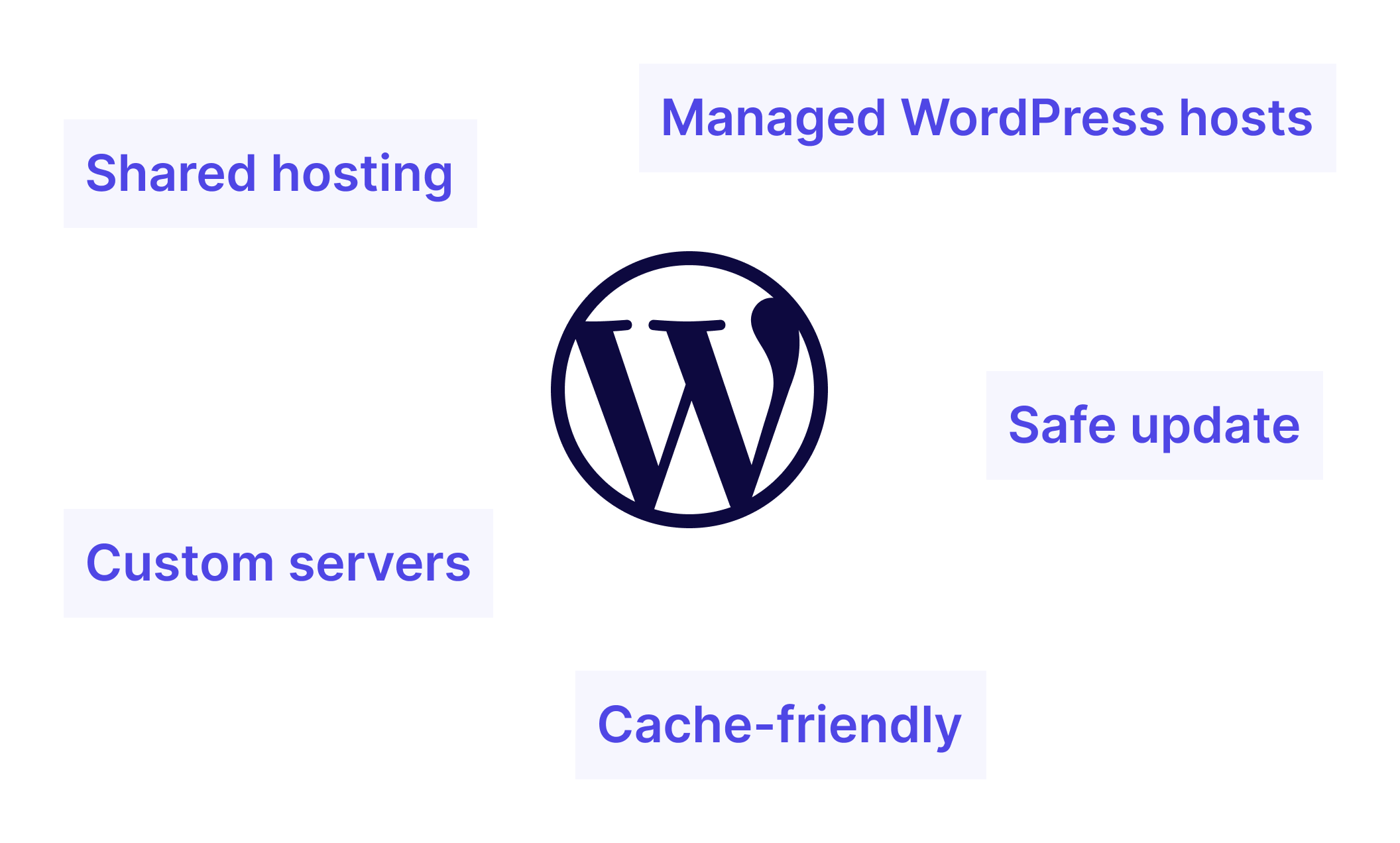
WP Umbrella works across common WordPress hosting setups, without requiring changes to how sites are hosted or deployed.
It is compatible with shared hosting, bedrock, managed WordPress hosts, and custom server environments. Update handling and cache clearing are designed to work alongside common caching plugins and hosting-level cache systems.
Most agencies rarely need integrations from day one.
As operations mature, they:
Extensibility is available when needed, not required upfront.
Integrations work best when combined with:
Together, they turn updates into a predictable maintenance process.
Join thousands of agencies and freelancers who trust WP Umbrella
I used ManageWP for years, but I felt like it just got outdated. I had issues with their support which made me lose hope and that's when I moved to WP Umbrella.
 Jeffrey Dalrymple · Founder @ Lytbox
When a Cloudways customer asks us what the best WordPress management tool is, we are happy to recommend WP Umbrella.
 Muhammad Saad Khan · Product Marketing @ Digital Ocean
After trying virtually every management tool out there, I've fully moved my agency to WP Umbrella, and I'm convinced I won't need to look further.
 Kyle Van Deusen · Founder @ The Admin Bar
Most agencies rarely need integrations from day one. They become useful later, when operations mature and workflows need to connect.
Yes. WP Umbrella provides a public API that allows agencies to fetch maintenance data programmatically. View API documentation.
No. You can enable integrations in WP Umbrella with a simple toggle button. API access and webhooks are optional and only needed for advanced workflows.
Yes. Maintenance data can be exported, ensuring agencies retain full ownership and control of their information.
No. WP Umbrella is designed to be extensible and exportable, so agencies are not locked into a closed system.
Yes. WP Umbrella is fully compatible with Elementor. After every update, WP Umbrella automatically runs the Elementor database upgrade so you never have to do it manually across client sites.
Yes. WP Umbrella works with Bedrock-based WordPress installations without requiring any changes to your server setup or deployment workflow.
Yes. WP Umbrella is fully compatible with WooCommerce. After every update, WP Umbrella automatically runs the WooCommerce database upgrade, ensuring your clients' stores stay operational without manual intervention.
Yes. WP Umbrella automatically clears the WP Rocket cache after every update, so your clients never see a broken or stale site after a plugin or theme change. This applies to all other caching plugins as well.
Yes. WP Umbrella is compatible with Wordfence and works alongside it without conflict. WP Umbrella's own security layer monitors vulnerabilities, uptime, SSL, and PHP errors independently, so both tools can run in parallel.
Trusted by 80,000+ sites (as of September 2026)
WP Umbrella is designed to grow with your care business, from your first maintenance clients to a mature, multi-site operation.