
7 Tools To Scan WordPress Sites for Vulnerabilities
Looking for the best tool to scan WordPress sites? We compare 7 top security scanners to help you catch vulnerabilities before hackers do.

What is the best tool to scan WordPress sites? We often hear this question from site owners and web agencies looking to protect their online presence. With plugins accounting for 91% of all WordPress vulnerabilities and themes responsible for another 9%, choosing the right security scanner is critical.
So, what’s the best tool to scan WordPress sites and catch these problems before hackers do? While we might be biased, WP Umbrella is one of the best tools for its real-time monitoring of security vulnerabilities and performance issues.
But don’t just take our word for it. In this post, we’ll compare seven powerful WordPress security tools to help you decide.
Best Tools to Scan WordPress Sites in 2026
The threat landscape has shifted considerably. Traditional WAFs block only 12% of WordPress-specific attacks. Meanwhile, 46% of vulnerabilities had no developer patch at the time of disclosure, meaning updates alone cannot close the gap. The tool you choose to scan and protect your WordPress sites matters considerably more than most site owners realize.
WP Umbrella remains the strongest option for agencies and developers managing multiple client sites, particularly with the security add-on, including virtual patching, security hardening, and a malware scanner. The add-on blocks known vulnerabilities before they can be exploited, even if the affected plugin has not been updated yet.
Patchstack is the best standalone option for vulnerability intelligence across a portfolio. Wordfence and Sucuri are reliable all-rounders for individual sites. MalCare stands out for its AI-based scanning and one-click malware removal. WP Security Ninja is well-suited for non-technical users who need clear, actionable results. Defender Security covers the essentials at a competitive price. Jetpack Protect is worth considering if you are already in the Jetpack ecosystem.
7 Tools for WordPress Security Check
1. WP Umbrella: WordPress Security Monitoring Tool; Now with the Security Add-on

WP Umbrella is a security monitoring platform that scans WordPress websites every six hours to detect plugins, themes, and WordPress core vulnerabilities. It operates differently from traditional security plugins by focusing on detection and alerting rather than active threat mitigation. Using Patchstack’s vulnerability database, WP Umbrella identifies security issues before they can be exploited.
WP Umbrella is for agencies and developers managing multiple WordPress sites from a single dashboard. Its security functionality is integrated with other monitoring tools (uptime, performance, PHP errors) to provide comprehensive website management. This integration allows teams to identify potential security issues across numerous websites without logging into each WordPress admin area individually.
The most significant upgrade to WP Umbrella’s security offering is the security add-on, a virtual patching add-on powered by Patchstack. This is where WP Umbrella moves beyond monitoring into active, proactive protection, and it addresses one of the biggest gaps in standard security workflows.
Most agencies do not update plugins the moment a patch comes out. There is often a testing backlog, client approval delays, or compatibility concerns. Meanwhile, attackers move quickly. As soon as a vulnerability is disclosed publicly, exploit attempts spike. Thist closes that window by applying targeted rules that block the exact exploit at the PHP level, before WordPress even fully loads, regardless of whether the plugin has been updated.
Unlike traditional security plugins that rely on scanning engines and malware detection after the fact, this add-on is lightweight, runs silently at the PHP level, and has no measurable performance impact, even across hundreds of sites. Rules are updated continuously from Patchstack’s real-time threat database, so your sites stay protected without any manual intervention.
Enabling the add-on takes about two clicks. go to the Security tab for any site in your WP Umbrella dashboard, toggle it on, and it handles the rest. You can also enable it in bulk across all sites from a single screen. Client reports automatically include a dedicated section showing how it has been proactively protecting their sites, which is useful if you are running a maintenance offering and need to demonstrate value.
Key Features of WP Umbrella
Vulnerability Scanning
- Checks your site for security issues every 6 hours
- Finds vulnerabilities in plugins, themes, and WordPress core
- Uses Patchstack’s database to identify the latest threats

- Watches for expired SSL certificates and domains.
- Identifies inactive plugins and themes
- Tracks and alerts about outdated PHP versions

- Updates plugins, themes, and WordPress core safely
- Creates restore points before making changes
- Offers visual comparison before and after updates
- Includes automatic rollback options if issues occur

- Creates both manual and automatic backups
- Offers incremental backups to save space
- Provides one-click restoration when needed

Management Tools
- Lets you manage all your WordPress sites from one dashboard
- Makes bulk updates easy across multiple sites
- Offers white-label reporting for agencies
- Includes client maintenance reports with security details

Pricing: €1.99/site/month. A 14-day, no credit card required, free trial is also available.
Protect your WordPress sites
Get real-time vulnerability scans, automated backups, and proactive alerts with WP Umbrella.
Get Started for free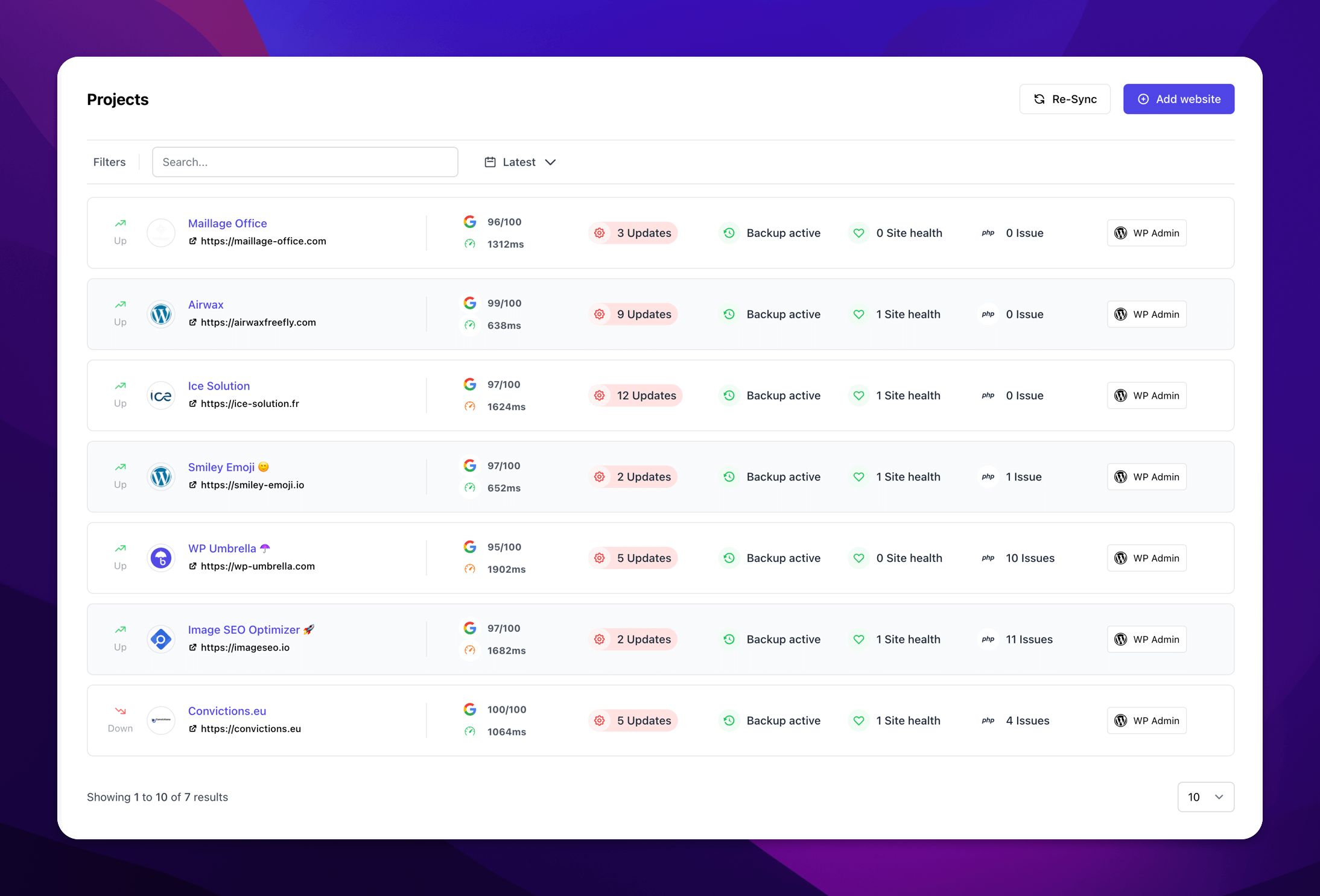
2. Patchstack: Community-Powered WordPress Security
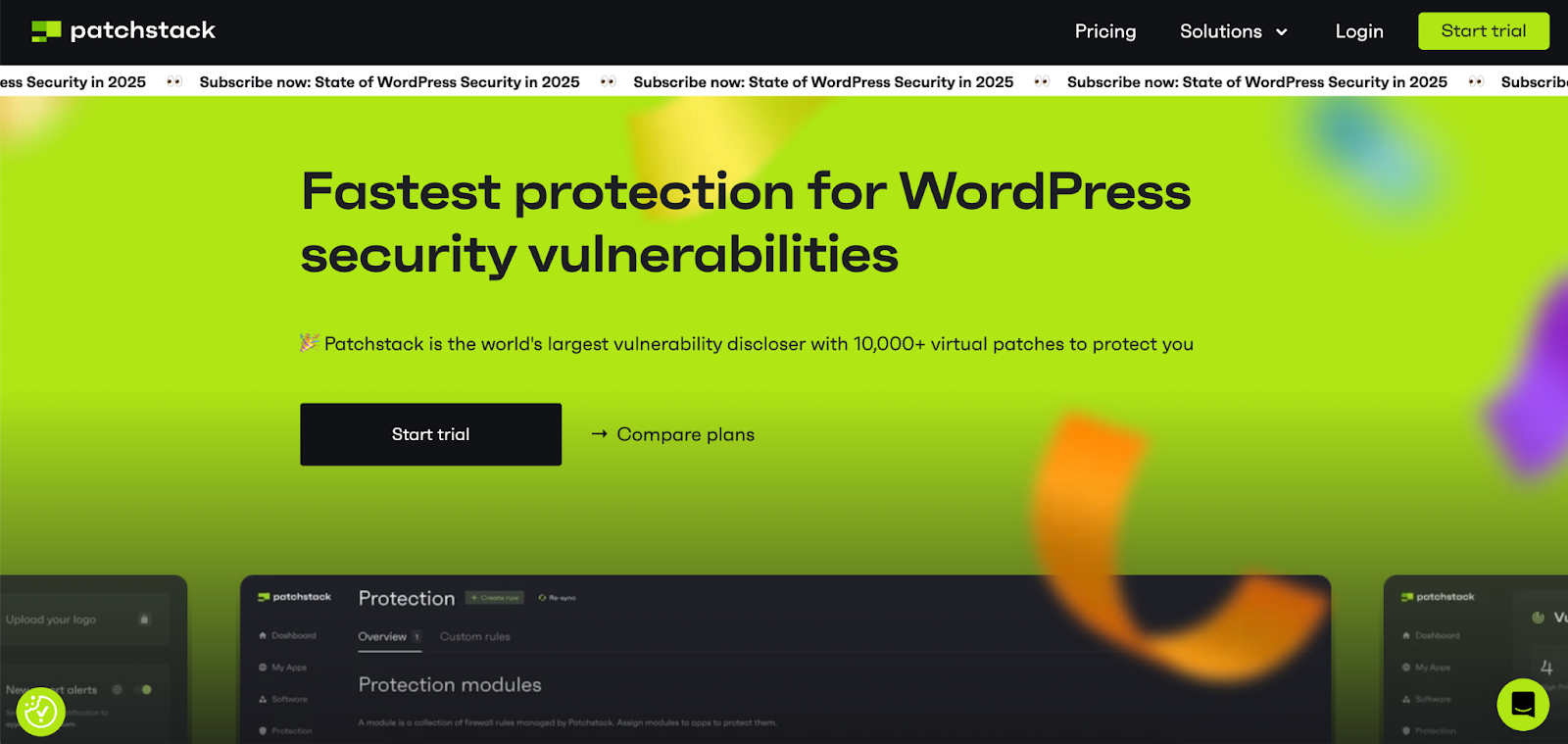
Patchstack has made a name for itself as an essential WordPress security monitoring solution that helps identify vulnerabilities in plugins, themes, and WordPress core across all your websites. A unique feature of Patchstack is its active community of ethical hackers who constantly work to discover new security threats.
This security platform has gained recognition from major WordPress hosting providers and experts, including Pagely, Cloudways, GridPane, and Plesk, establishing its credibility in the WordPress ecosystem. In the first half of 2025, Patchstack disclosed 66.6% of all named WordPress vulnerabilities, the largest share of any single organization in the ecosystem.
Key Features of Patchstack
- Monitors up to 10 WordPress websites from a single dashboard for free
- Detects vulnerabilities in plugins, themes, and WordPress core
- Sends real-time email alerts when security issues are found
- Provides actionable suggestions to fix security problems
- Powered by an active community of ethical hackers who discover threats early
- Integrates with major WordPress hosting providers like Pagely and Cloudways
Pricing: Patchstack has a free version. The paid, Developer plan, starts at $69 per month for up to 25 websites, with each additional 5-site block costing $12.50 per month.
3. Wordfence: Firewall and Malware Scanner
Wordfence is one of the most widely used WordPress security plugins, trusted by millions of site owners for its combination of firewall, malware scanner, and real-time threat detection. The firewall inspects traffic before WordPress loads, while the scanner compares core files, themes, and plugins against verified originals.
Wordfence blocks approximately 55 million exploit attempts and 65 million brute force attacks per day across its user base.
Key Features of Wordfence
- Web application firewall that blocks malicious traffic before it reaches WordPress
- Malware scanner that checks core files, themes, and plugins for unauthorized changes
- Real-time threat defense feed updated for premium users
- Login security with 2FA support and brute force protection
- Live traffic monitoring and IP blocking
- Email alerts on security events, including admin logins from new locations
Pricing: Free version available. Wordfence Premium starts at $149/year per site.
4. WP Security Ninja: Firewall and Malware Scanner
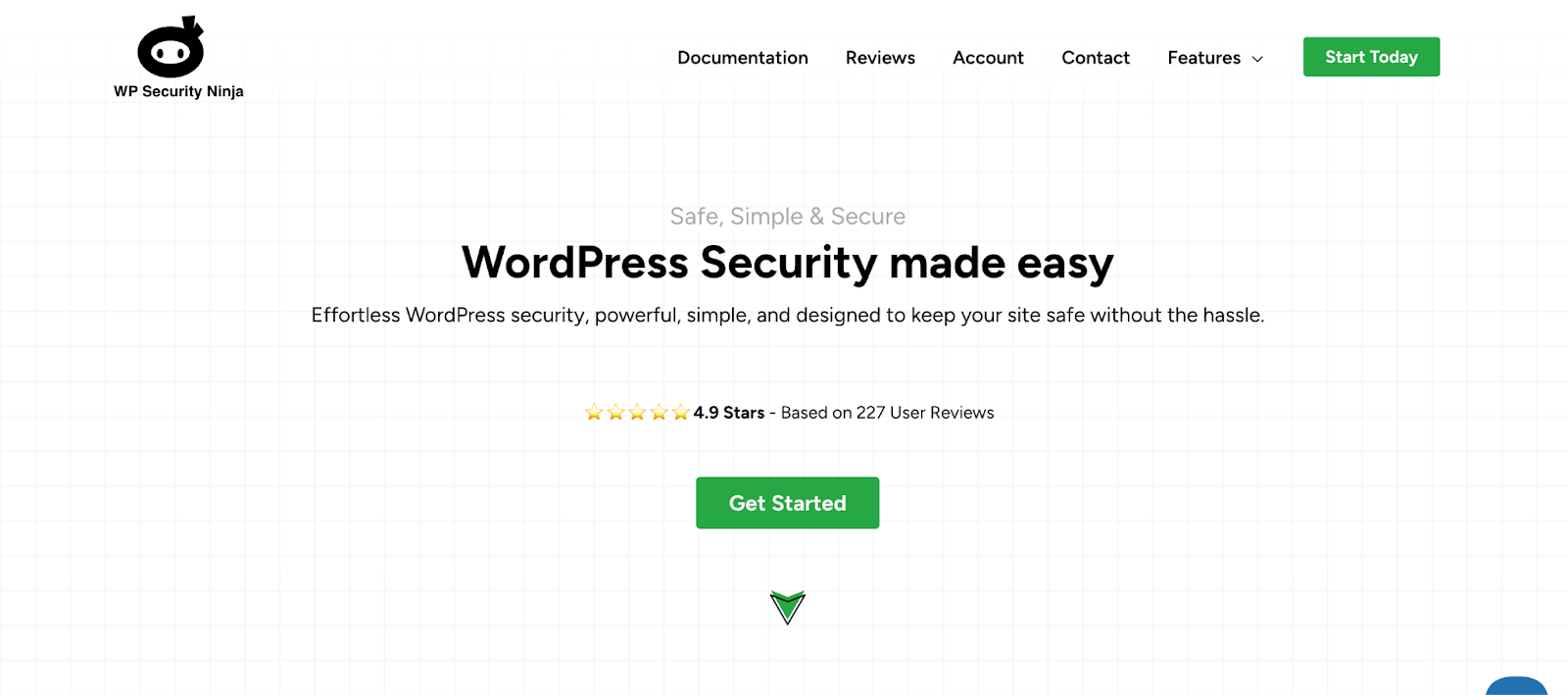
WP Security Ninja is a battle-tested WordPress security plugin with over 10 years of experience protecting websites. It runs a single scan and immediately performs 50+ tests to find weak spots in your site.
What’s great about WP Security Ninja is that it is non-invasive, meaning it won’t make changes to your site without your permission. It will identify the issues, explain them, and provide step-by-step instructions to fix them.
WP Security Ninja offers invaluable features, such as the AutoFix feature and database cleaning. The AutoFix feature automatically handles common security issues, while the database cleaning tool helps keep your site running smoothly.
Key Features of WP Security Ninja
- A firewall that blocks malicious traffic
- Automatic blocking of known bad IP addresses
- Plugin integrity checks to ensure nothing’s been tampered with
- Regular security reports are sent directly to your email
- Scans for known vulnerabilities in plugins and themes
- Identifies and helps remove suspicious files in core WordPress directories
- Provides database optimization to improve website performance
- Offers clear documentation and instructions for fixing each security issue
Pricing: Security Ninja has free and paid versions. Paid plans start at $119.99/year for a single site, then increase to $199/year for three sites, $399/year for ten sites, $599/year for 25 sites, $999/year for 50 sites, $1,699/year for 100 sites, $2,799/year for 200 sites, with additional tiers available beyond 200 sites.
5. Sucuri Security: Layered WordPress Protection
Sucuri Security is a WordPress security plugin that focuses on external malware scanning and post-hack recovery solutions. While it doesn’t scan internally, it excels at cleaning up compromised sites. It monitors your security status through file integrity checks and blacklist monitoring.
The plugin uses a layered security approach that starts with prevention and extends to recovery tools. Free users get basic security features, while the premium plan includes a powerful Web Application Firewall that blocks malicious traffic before it reaches your site.
Key Features of Sucuri Security
- Finds and cleans malicious code from your website before it can harm visitors.
- Offers a web application firewall (premium) that blocks harmful traffic before it reaches your site.
- Tracks who did what on your site, helping you spot suspicious behavior quickly.
- Alerts you when core WordPress files change unexpectedly.
- Checks if Google or security services have flagged your site as dangerous.
- SSL certificate management and post-hack recovery tools.
Pricing: The Sucuri Security WordPress plugin is free to all WordPress users, with premium options starting at $229/yr.
6. MalCare: AI-Powered Malware Detection and Removal
MalCare was built specifically to address the problem of stealthy, complex malware that traditional signature-based scanners tend to miss. Rather than running scans on your server, it uses its own external infrastructure to perform deep analysis, which means there is no performance hit on the live site, even during frequent scan cycles.
The standout feature of MalCare is one-click malware removal. If the scanner finds an infection, you can clean the affected files without needing to dig through code manually or wait for a support ticket to be resolved. For agencies managing client sites where downtime is costly, speed matters.
Key Features of MalCare
- AI-based malware scanner that analyzes behavioral patterns rather than relying on known signatures alone
- Cloud-based scanning that runs on MalCare’s servers, not yours
- One-click malware removal for fast, precise cleanup of infected files
- Login protection and bot blocking
- Integrated firewall
- Site management features for agencies handling multiple clients
Pricing: MalCare’s paid plans start at $99/year for a single site. Add great backups to that and an integrated staging site, and the price goes up to $149.
7. Defender Security: All-in-One WordPress Protection
Defender Security offers a comprehensive WordPress scan with free and premium options. Its core scanner compares your WordPress files against the master copy to spot unauthorized changes. This lets you quickly restore original files with just one click if something’s been tampered with.
The plugin has practical security features like brute force protection that limits login attempts and locks out users after too many failures. Its geo-blocking capabilities let you block login attempts from specific countries or regions.
Key Features of Defender Security
- Core file scanning to detect and fix unauthorized changes
- Brute force protection with timed lockouts
- Geo-blocking to restrict access from specific countries
- User-agent banning to block malicious bots
- Login screen masking to hide your WordPress login page
- Two-factor authentication for stronger account security
Pricing: Defender offers a free version, and its premium plans start at $36/year for one site, $60/year for three sites, $120/year for 10 sites, and $240/year for unlimited sites.
FAQs about WordPress Vulnerability Scanners
A WordPress vulnerability scanner checks your site for known security weaknesses in WordPress core files, plugins, and themes. These tools look specifically for code flaws that hackers could exploit to attack your site.
When we talk about vulnerabilities, we mean specific coding problems like SQL injection flaws, cross-site scripting (XSS) issues, remote code execution (RCE) weaknesses, and cross-site request forgery (CSRF) gaps. These scanners don’t check for other security issues like weak passwords or whether you’ve renamed your login page.
These scanners work by comparing your installed software versions against databases of known security problems. They can tell you if your plugin version matches one with a reported vulnerability.
Still, they can’t detect custom security issues in your site setup. One crucial limitation: vulnerability scanners can’t detect problems in pirated (“nulled”) themes or plugins. These illegal copies often contain hidden malware deliberately inserted by whoever cracked them.
While vulnerability scanners are valuable tools for WordPress security, they’re just one part of a complete security strategy. Think of them as an early warning system rather than a complete defense.
Securing a WordPress site involves several things to protect against common attacks. First, make sure your WordPress core, themes, and plugins are always up to date. Use strong login credentials and 2-factor authentication to prevent brute force attacks. Install a good security plugin with features like malware scanning, firewall, and real-time monitoring. Use a trusted hosting provider that offers secure hosting, and consider getting an SSL certificate for encrypted data transfer.
To further enhance security, disable file editing in WordPress by adding define(‘DISALLOW_FILE_EDIT’, true); to your wp-config.php file. Use .htaccess to restrict access to sensitive files like wp-config.php and turn off PHP execution in the uploads folder. Back up your site regularly using tools like WP Umbrella so you can recover your data in case of an attack. Monitor user activity and limit login attempts to prevent unauthorized access.
Use WP Umbrella to check if a WordPress plugin is safe. Here’s how you can use it:
Install WP Umbrella on your WordPress site and connect it with your API key.
Access the Security tab in your WP Umbrella dashboard to see a complete overview of your site’s security status.
WP Umbrella automatically scans your plugins every 6 hours and displays any security issues it finds.
Check the risk level of each vulnerability to prioritize which issues need immediate attention.
Get update recommendations for plugins with security issues; WP Umbrella will tell you if updating to a newer version will resolve the vulnerability.